Incidents
Updated 2026-10-22 · Pharos 1.0.1
Status and impact
Incident status is Investigating, Identified, Watching or Resolved, the same integers Cachet used. Component status is separate:
| Value | Label | Counts as down |
|---|---|---|
| 1 | Operational | no |
| 2 | Degraded performance | no |
| 3 | Partial outage | yes |
| 4 | Major outage | yes |
| 5 | Under maintenance | no |
Impact (minor, major or critical) is stored separately from status and is meant for reporting and for whatever consumes the outgoing webhook.
Visibility
The incident form has two choices. Public incidents reach the status page, their own incident page, the RSS feed, subscribers and the API without a token. Internal: team only is stored and shown in the admin only.
Pharos has no sign in for visitors, so the form no longer offers "Signed in users only".
Incidents stored with that value, and API clients that still send
authenticated, keep working: such an incident stays off the public page, like
an internal one.
Message length
An incident message and an update message can be 20,000 characters at most, in the admin and in the API. A longer one is refused with a validation error, 422 in the API. Messages stored before this limit keep showing as they were.
Backdating
Set Occurred at to any past timestamp; the public page groups incidents by that date. How far back the page lists days is the Days of incident history setting, 1 to 30.
Templates with variables
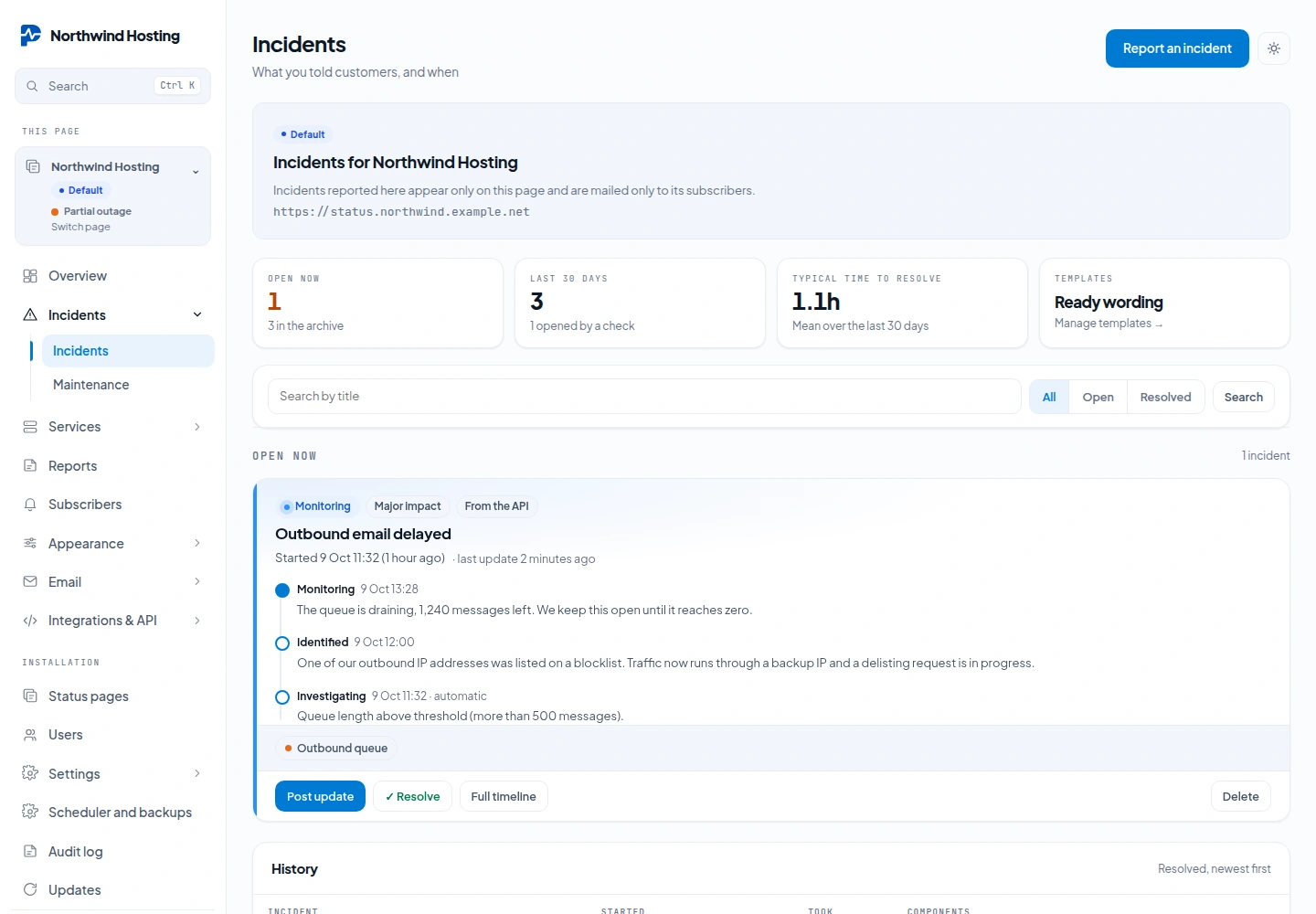
Save the wording of an incident that happens more than once as a template. On the
Incidents screen, open Manage templates, then New template: a name, the
incident title and the message to customers. Report an incident offers your templates
under Use a template, and the API takes the template's API name in the
template field.
Placeholders look like {{server}}, are case-insensitive, and tolerate inner
spaces. In the API they are filled from vars; on the form you replace them
yourself before publishing. An unknown placeholder is left in the text verbatim
rather than blanked: publishing “Outage on .” to customers would be worse than publishing
the placeholder.
What happens when you resolve
Resolving puts every attached component back to operational: from the admin, from the API, and when a check closes an incident it opened. To close an incident while leaving a component degraded, name that component explicitly in the same request.
Scheduled maintenance
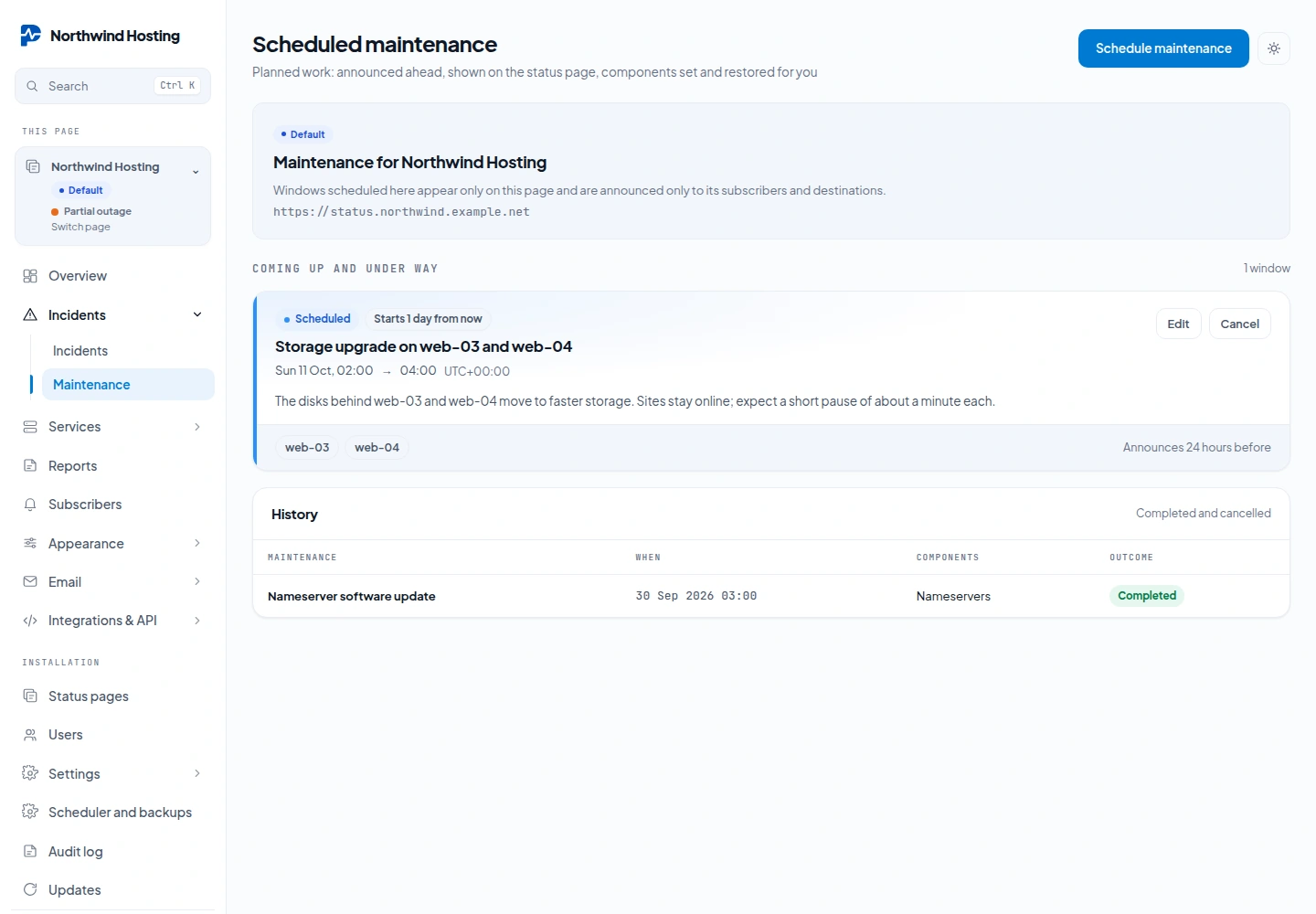
Under Incidents → Maintenance, schedule planned work per page: a title, a message, the start and end, the affected components and when to announce it (24 hours before by default). Subscribers and destinations that chose Maintenance get the announcement; at the start the components switch to Under maintenance and at the end they go back to their previous status, unless someone changed them in the meantime. Failing checks do not open outages during a running window, and cancelling one restores the components too. The public page lists upcoming and ongoing maintenance. The cron line drives all of it.