
First run
Updated 2026-10-22 · Pharos 1.0.1
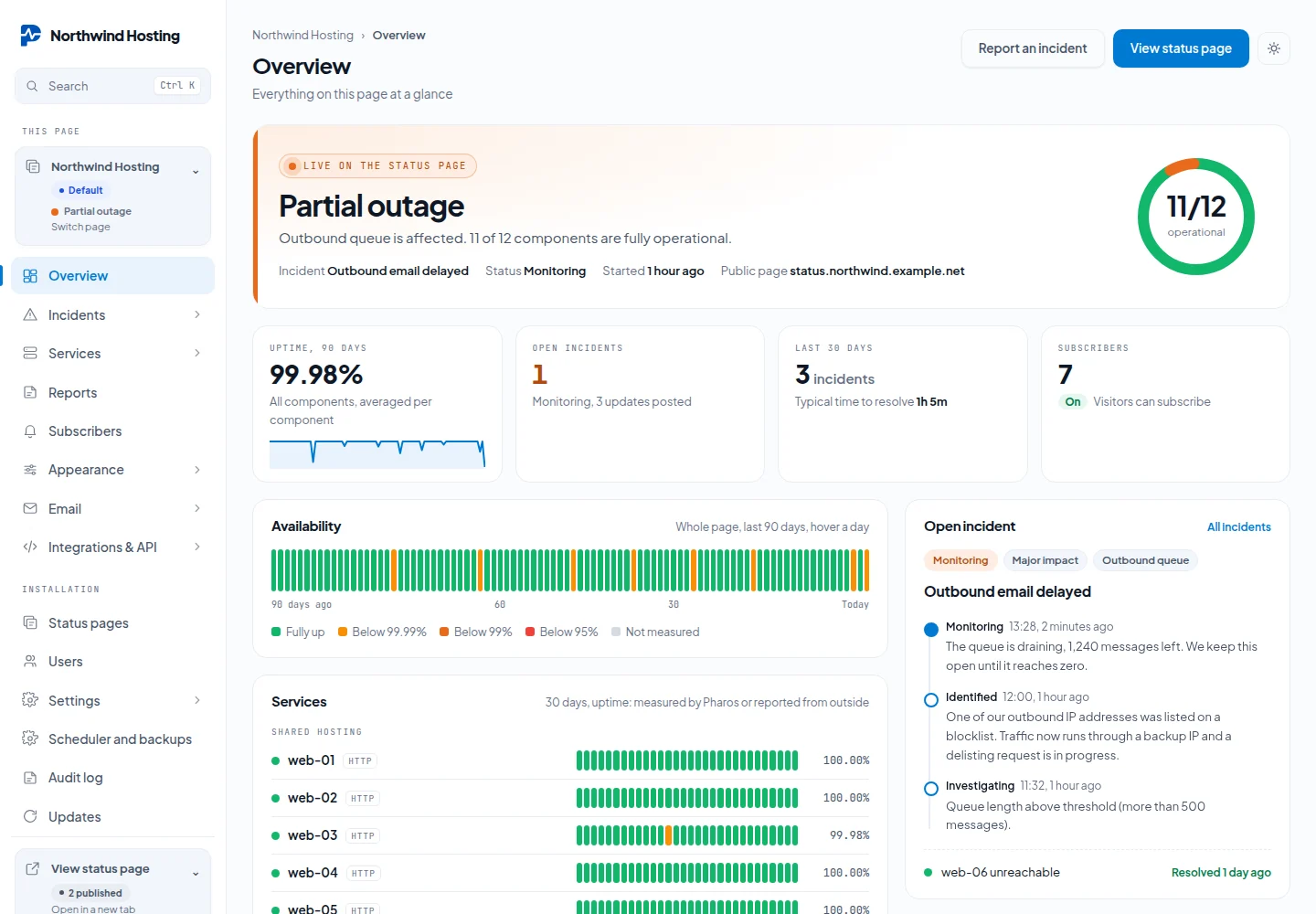
Sign in at /admin/login. You land on the Overview of your status page: what the public page says right now, the key figures, 90 days of availability, services and the open incident.
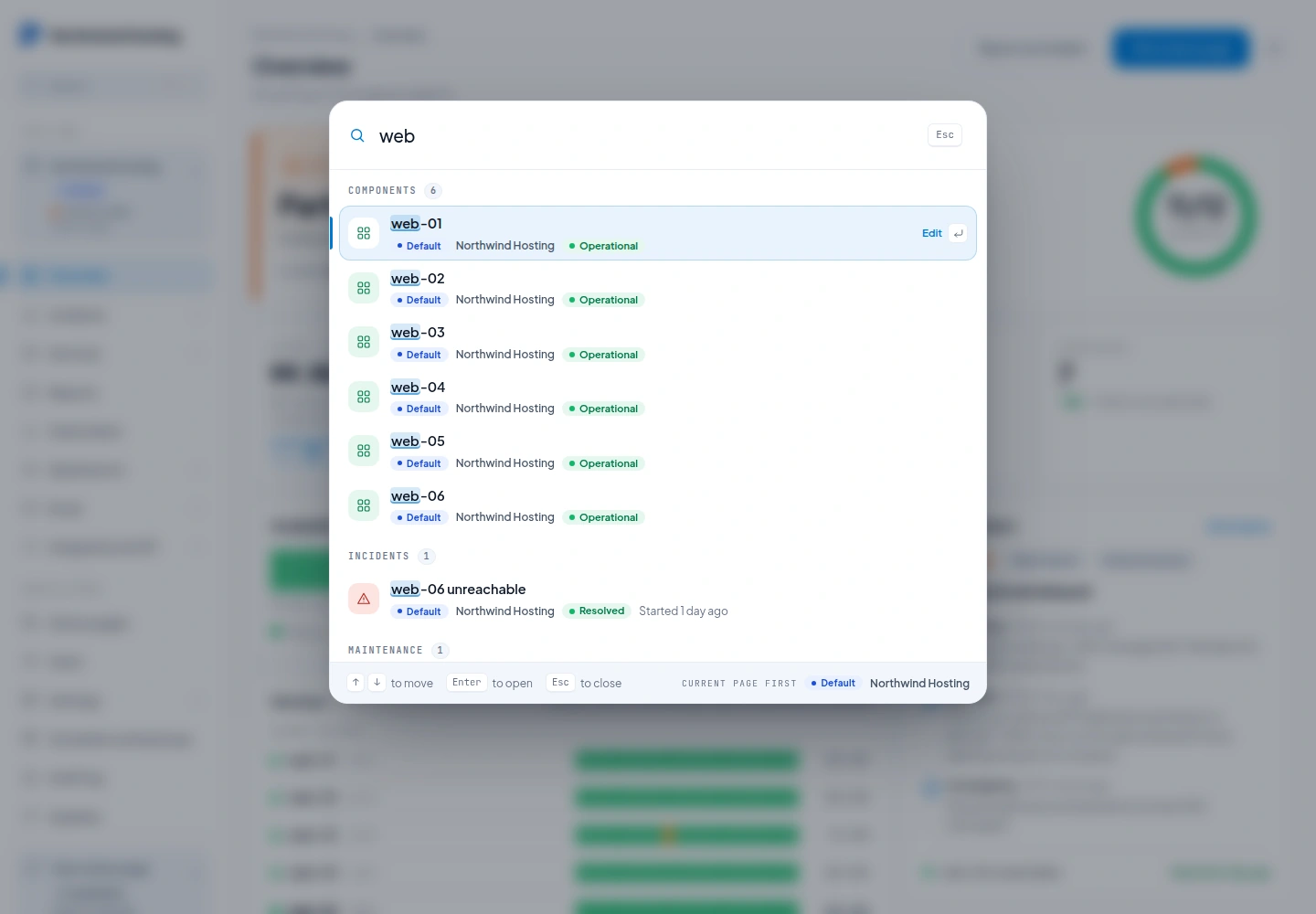
Press Ctrl K or Cmd K, or click Search in the sidebar, to jump to any page, service, component, incident, maintenance window or admin screen. Results are grouped, show their page and status, and only cover the pages you hold a role on.
Create services first, the headings your customers read, then put components inside them.
A component with no service is still published. It appears on the public page as a row of its own, without a heading, and it counts toward the headline uptime figure. Put components in a service when you want them grouped under a name your customers know.
Choosing a source
The Source field says who sets the status, and with that whether a check exists at all:
| Source | Who sets the status | Uptime |
|---|---|---|
| HTTP or TCP check | Pharos, with an HTTP, TCP or DNS check on your target and interval. | Measured by the check |
| Heartbeat from your job | Pharos, from a URL your job calls. The token is generated once and shown on the component. | Measured by the check |
| Uptime Kuma, API or webhook, Upstream provider | Something outside Pharos writes it through the API. There is no check. | Counted from the reported status |
| Manual only | You, in the admin. | Not measured |
You rarely have to pick the outside sources by hand. The first time the API or the Uptime Kuma endpoint writes a status for a component that has no enabled check, Pharos marks it as set from outside by itself. A status you set by hand in the admin changes nothing, and a component with its own check is left alone. See Uptime for how reported time is counted.
Hidden service versus disabled component
| Service hidden | Component disabled | |
|---|---|---|
| Shown to customers | No | No |
| Checks keep running | Yes | No |
| Counts toward the headline on the public page | No | No |
| History kept | Yes | Yes |
Hide a service to stop showing customers something you are still watching. Disable a component to stop watching it entirely while keeping its past.