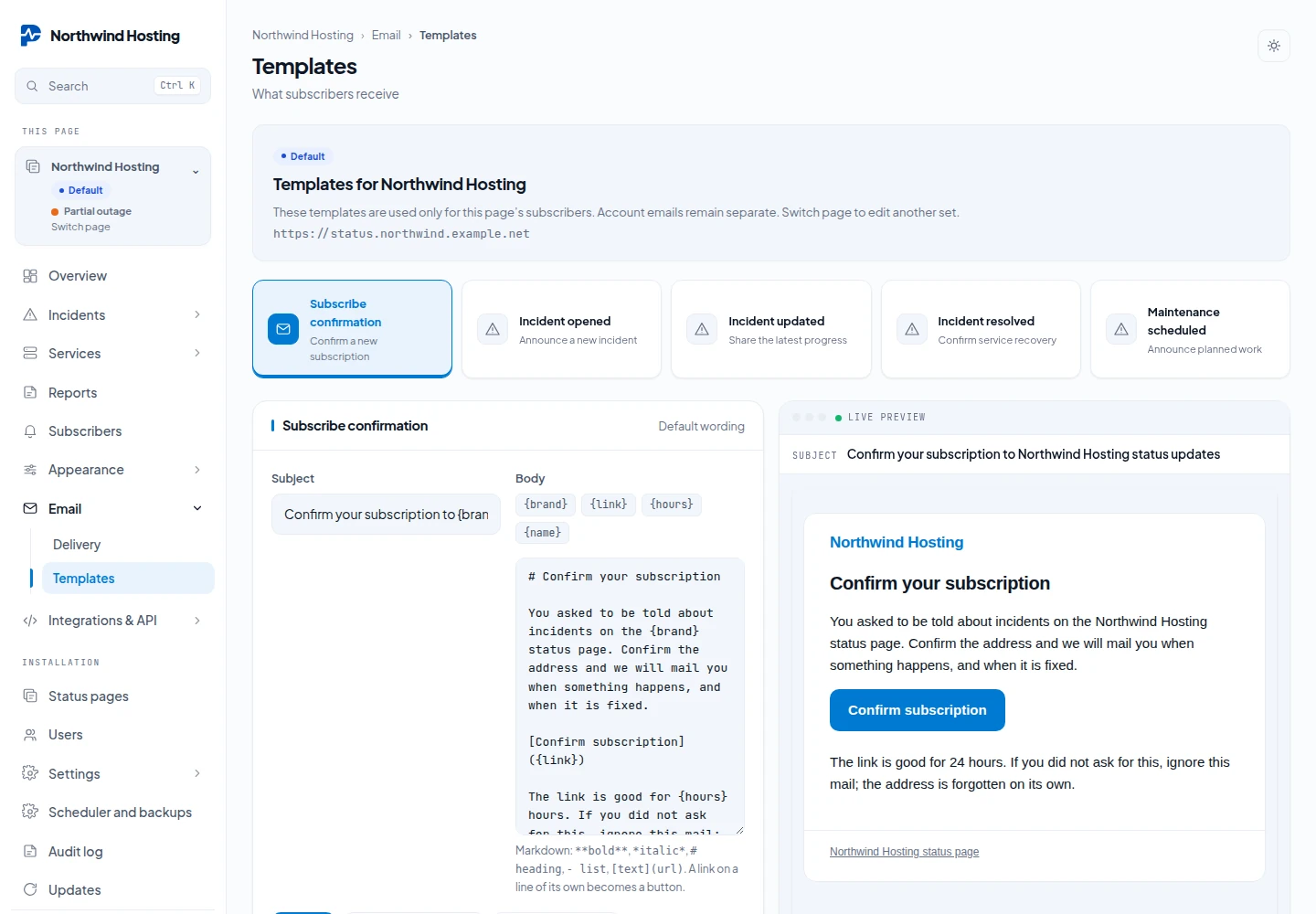
Notification e-mails
Updated 2026-10-22 · Pharos 1.0.1
Four mails carry an incident to your subscribers: confirm your address, incident opened, incident updated and resolved. Each is a subject line and a Markdown body you can rewrite under Admin → Mail templates. Tags are filled in when the mail is sent:
| Tag | Becomes |
|---|---|
{incident} | The incident's name |
{status} | Investigating, Identified, Watching or Resolved |
{message} | The update text you posted |
{components} | The affected components, comma-separated |
{link} | A link back to your public status page |
{brand} | Your status page's name |
A fifth template, Maintenance scheduled, announces planned work. It has its own tags:
{maintenance} for the title, and {starts} and {ends} for the
window. The incident and maintenance mails also know {unsubscribe} and
{preferences}, the links to leave or to change the
chosen services. The templates live under
Email → Templates of the page.
You write the words; the frame around them (logo, accent colour, the coloured rule and the unsubscribe footer) is always applied. The rule and accent follow the incident's own state, so an outage mail reads red and a resolved mail reads green without you setting a colour. A live preview sits beside the editor. Editing the wording is part of the Brand pack; without it the built-in wording is used, and you can still preview it.