Time zone and retention
Updated 2026-10-22 · Pharos 1.0.1
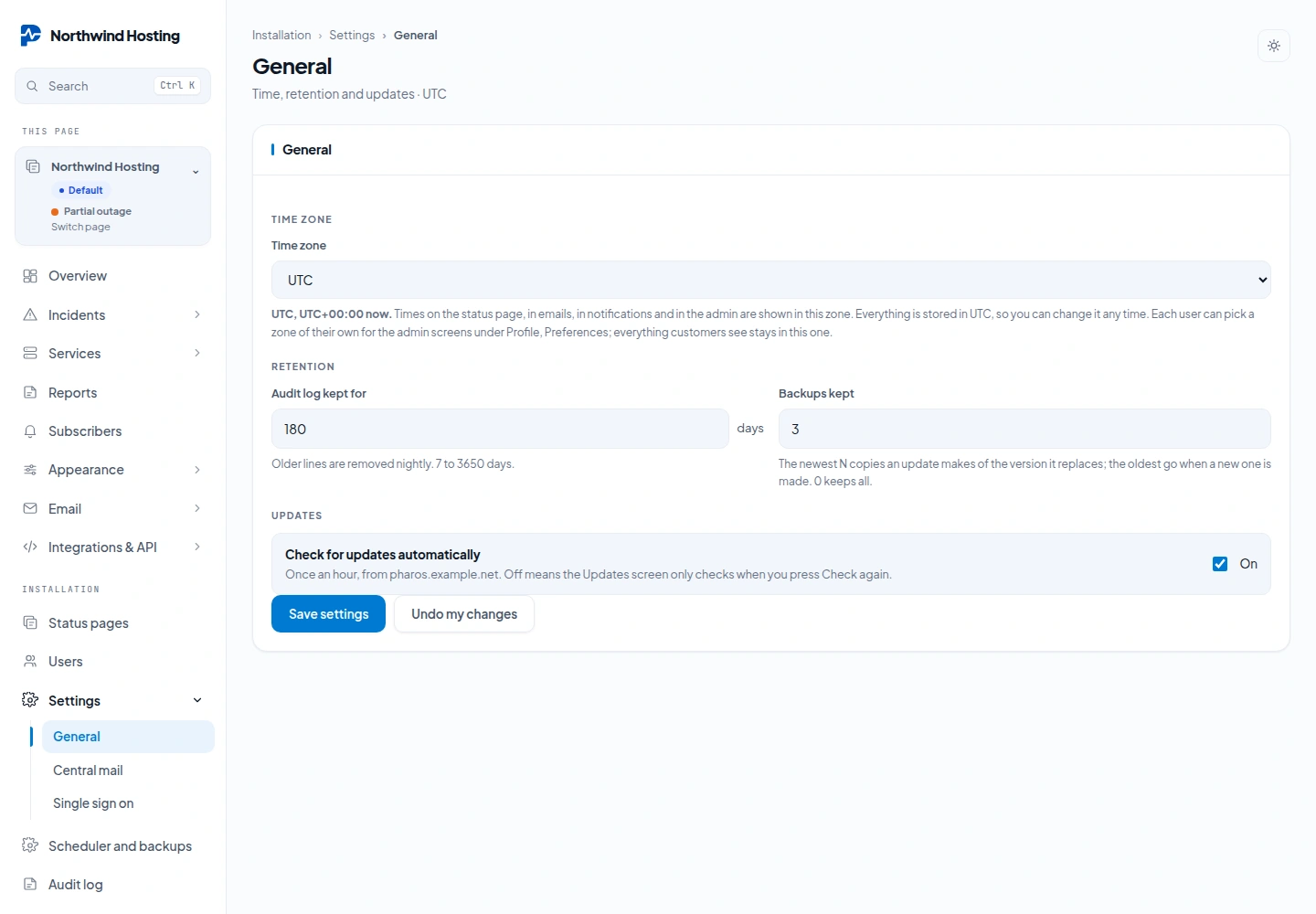
Under Admin → Settings → General:
- Time zone: pick any IANA zone (Europe/Amsterdam, America/New_York, Asia/Tokyo). Every timestamp on the public page, in the admin and in e-mails is shown in it. Everything is stored in UTC, so you can change the zone at any time and history does not move. Each user can also pick their own time zone for the admin screens under Profile; the public page and emails keep this one.
- Audit log kept for: 7 to 3650 days; older lines are pruned nightly.
- Backups kept: how many update snapshots to hold; see Updates & backups.
- Check for updates automatically: the hourly manifest check. Off means the Updates screen only looks when you press the button.
Settings → Central mail holds the MAIL_* connection for subscriber mail and a
Send test button; Settings → Single sign on holds the OpenID Connect fields covered under
Users, SSO & 2FA.
Next to Settings, under Installation, the screen Scheduler and backups holds Web cron and Remote backups. Language is not an installation setting: see Languages.